Changelog

Follow new updates and improvements to SimplyStack.

Subscribe via RSS
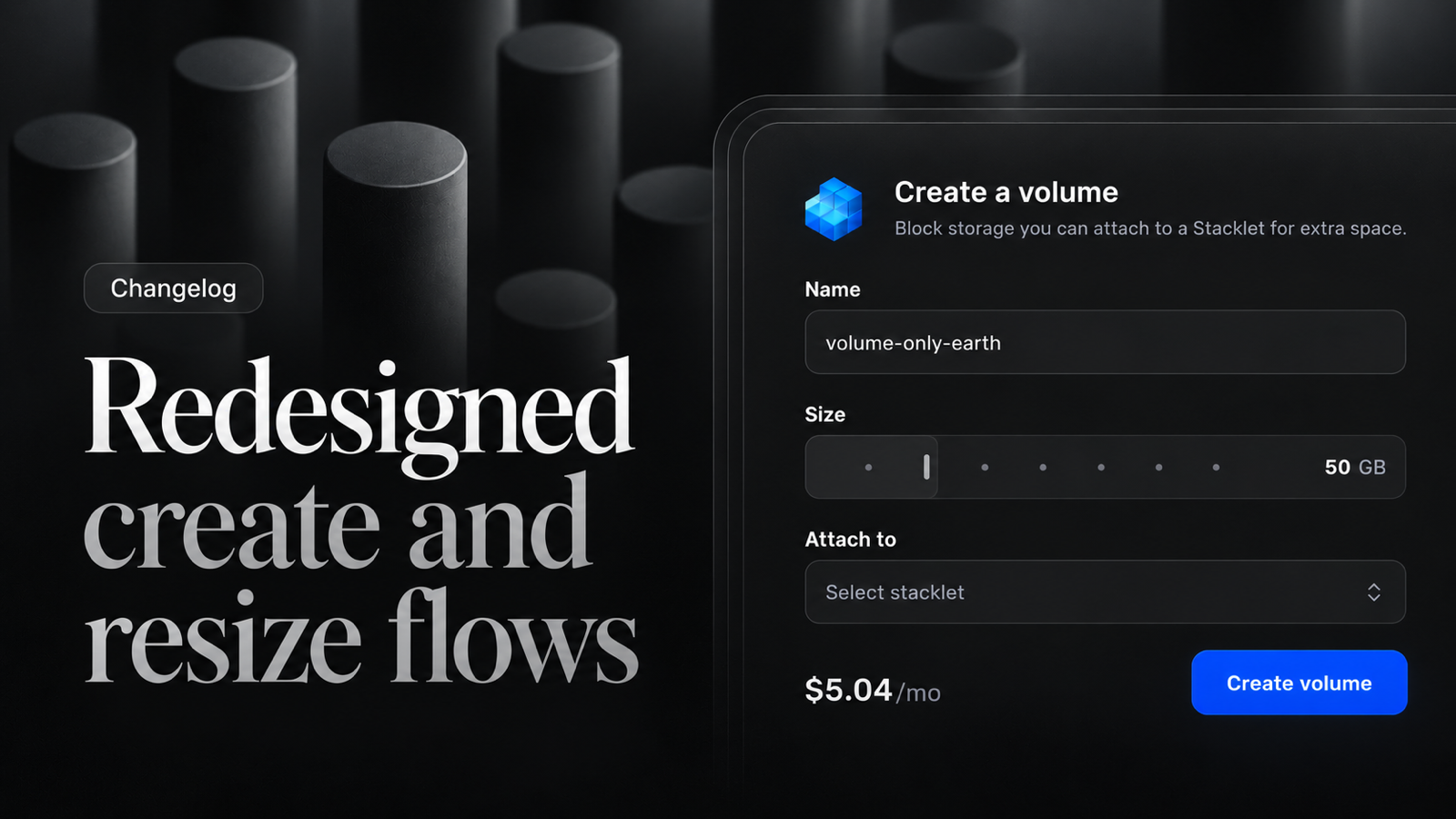
  1. Redesigned create and resize flows

    Creating and resizing resources now looks and behaves the same across products. Stacklets, Volumes, Databases and Kubernetes share one form layout built on selectable cards, the home dashboard has a new layout, and the dark theme moved to neutral greys.

    New

    • Stacklets — Redesigned resize and recovery pages, and new feature cards on the networking page.

    • Volumes — Redesigned create form with a size slider.

    • Overview — Redesigned home dashboard layout.

    • Products — Redesigned welcome pages for infrastructure products.

    • Billing — Redesigned billing overview and payment methods.

    • Databases — Quickstart is now a setup checklist.

    • Firewalls — Rules accept IPv6 addresses and ranges alongside IPv4.

    • Floating IPs, Load Balancers — Added a "Learn more" docs sheet.

    Improvements

    • Stacklets — Refreshed the image, location, sizes, authentication and settings sections of the create form, and the volume tab.

    • Databases — Create form, settings and plan resize aligned with the Stacklet design.

    • Kubernetes — Create form and cluster settings aligned with the Stacklet design.

    • Volumes — Refreshed add, resize and assign dialogs.

    • Firewalls — Rules are displayed as a table with a dedicated mobile layout.

    • Load Balancers — Reworked rule and settings forms for consistency.

    • Billing — Improved add card form layout; the card input follows the app theme.

    • Theme — Dark theme accent, secondary and input colors are now grey; form controls share a single field color.

    • Stacklets, Databases, Kubernetes — Tidied overview and connection cards.

    • UI — Refined the page tabs indicator and removed layout shift when switching tabs.

    • UI — Softer slider fill with ticks aligned to the handle.

    Fixes

    • Billing — The country select in the add card form is now keyboard-focusable.

    • Floating IPs — The Stacklet is preselected when opened from a Stacklet page.

    • Databases — Fixed pages affected by the updated database API.

    • Stacklets — Tidied the firewall tab and rules copy.

    • Auth — Logout works on mobile setup screens.

    • Support — The support link opens the external support site.

    • Invalid selects and comboboxes now show a red border.

    • The sidebar highlights the correct section on entity detail pages.
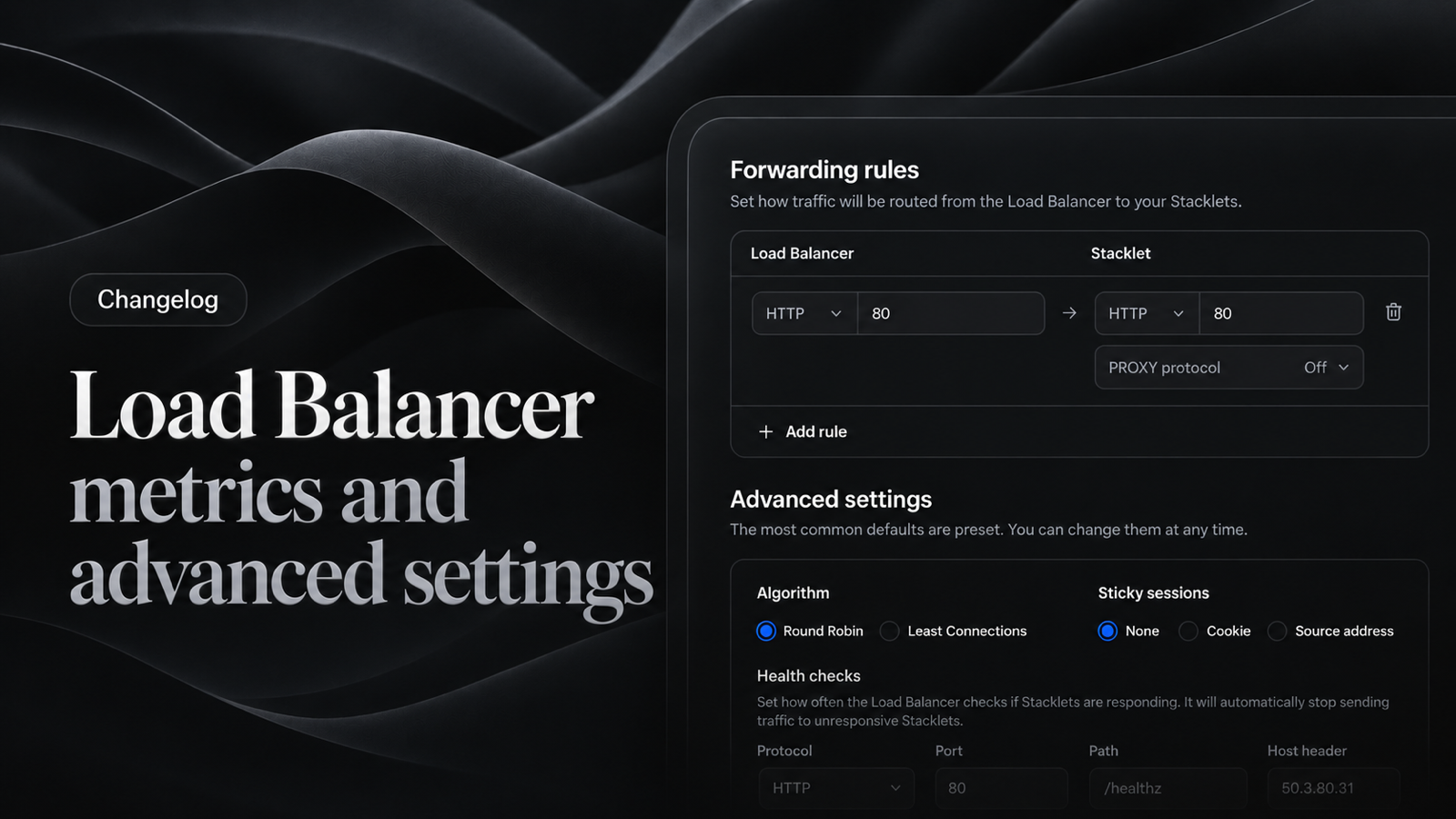
  2. Load Balancer metrics and advanced settings

    Load Balancers now have six metric charts and expose more of their configuration. Charts across the panel share one cleaner style.

    New

    • Load Balancers — Six metric charts, grouped into graph sections.

    • Load Balancers — Configure target protocol, PROXY protocol, health check host and timeouts.

    • Load Balancers — Health checks are optional when creating a load balancer.

    Improvements

    • Charts — Stacklet and Database graphs use the same chart style: thinner lines, a filled area for single-series charts, and no axis domain lines.

    • User Scripts — Added an illustration to the empty state.

    Fixes

    • Teams — Data is refetched after switching teams, so you no longer see resources from the previous team.

    • Teams — Hardened team switching and session handling.

    • Load Balancers — Backend downtime now reflects the real state of Stacklets.

    • Load Balancers — Unified the up/down status badge and fixed a status skeleton that never finished loading.

    • Charts — Chart titles stay on one line.

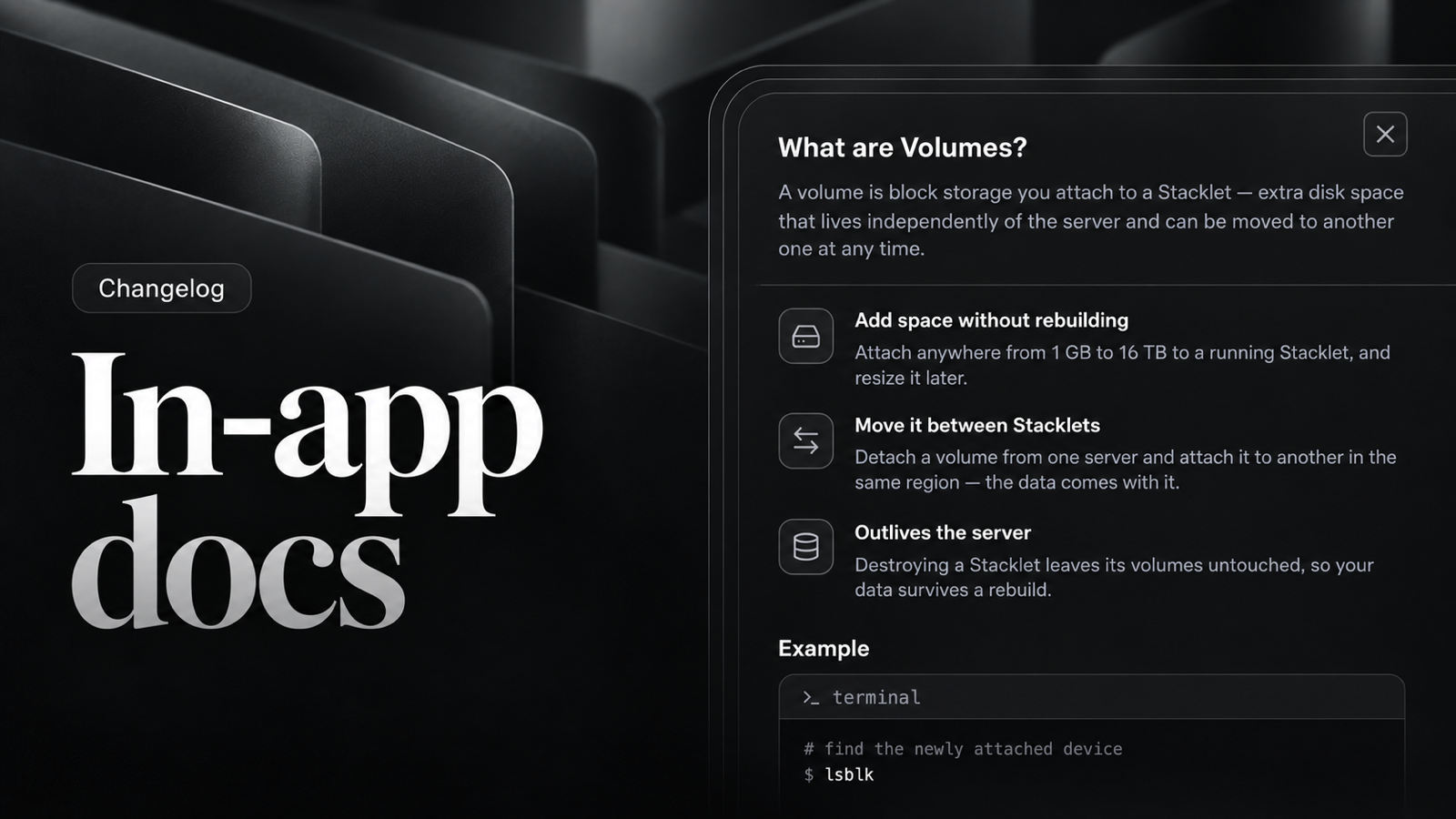
  3. In-app docs

    Docs sheets are now available across the panel, so you can read how a resource works without leaving the page.

    New

    • Docs — Added "Learn more" docs sheets with syntax-highlighted code to Certificates, SSH Keys, Volumes, Buckets, API Tokens, Firewalls and Domains.

    • Certificates — Validity dates and an expired state, with exact timestamps in tooltips.

    Fixes

    • Notifications — Markdown is sanitized before rendering.

    • Buckets — Fixed a missing button in the table and stale files in the upload dialog.

    • Updated dependencies with security patches.

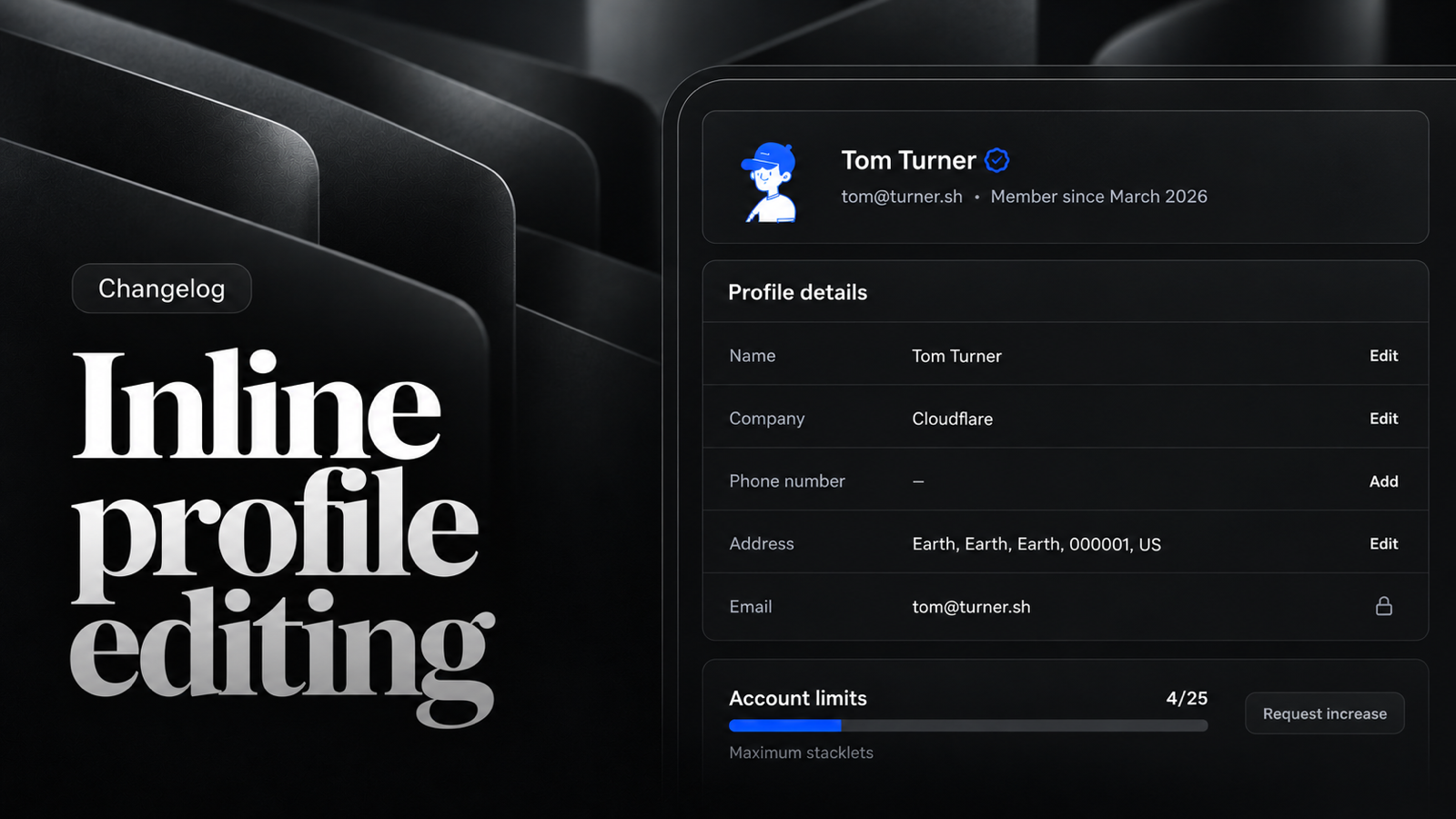
  4. Inline profile editing

    New

    • Account — Redesigned profile page with inline field editing.

    • Tables — The actions column stays pinned, with a scroll shadow when the table overflows.

    • Tags — Added a tags button to the overview; tags are always lowercase.

    • User Scripts — Added an empty state description and docs sheet.

    Improvements

    • Stacklets — The password reset dialog highlights that the Stacklet will be shut down.

    Fixes

    • Stacklets — The storage size input uses the actual volume price, and an inaccessible console shows a 404 page.

    • Tables — Long fingerprints are truncated and the actions column fits its content.

    • Missing resources now lead to a 404 page instead of a broken view.

    • Dialogs with scrollable content no longer lose focus.